Mobile Diagnostic & Secret Codes
Manufacturer dialer codes • Hardware test menus • Network service modes • Samsung EFS & IMEI certificate diagnosis • Safe USB ADB commands • Model compatibility.
How to Use This Handbook / Evidence Levels
There is no trustworthy universal list of working codes for every phone ever produced. This is a source-graded practical handbook: it names verified families, flags community-reported entries, and explains why unsupported devices are not falsely given invented codes.
| Grade | Meaning | What a Technician Should Do |
|---|---|---|
| Grade A — Official | A manufacturer, developer or OEM service manual documents the exact route. | Prefer this path. Verify specific model and OS scope. |
| Grade B — Independently Documented | Technical publications or multiple specific model teardowns document it. | Try read-only; validate on exact model/region/OS. |
| Grade C — Model / Legacy Conditional | A model community or old version supports it, with uncertain modern coverage. | Never describe as universal; prefer normal Settings routes. |
| Grade N/A — No Validated Code | No credible public brand-specific dialer code could be established. | Use official diagnostics or Settings instead. |
- USSD / MMI Commands: Interact directly with cellular carrier infrastructure.
- OEM Service Codes: Launch internal, phone-resident diagnostic firmware modules.
- Opening a test menu is not permission to edit or flash sensitive parameters without authorization.
- Codes starting with
*#*#and ending with#*#*auto-launch on the final character. - Network queries (e.g.
*#21#) require pressing the Call button. - Always redact IMEI and serial numbers before uploading diagnostic screenshots publicly.
Cross-Brand Essentials
Standard dialer entries recognized across multiple smartphone families and GSM networks.
*#06#
Grade A • Official
Shows IMEI, IMEI2, and on modern devices MEID, EID, or Serial Number. Requires cellular-capable hardware and functional dialer. Does NOT prove authenticity or legal ownership.
*#07#
Grade B/C
Show SAR (Specific Absorption Rate) and RF exposure certification on supported Android brands (OPPO, Realme, selected others).
*#*#4636#*#*
Grade B/C
Android Testing menu: Phone info, Wi-Fi metrics, usage statistics where permitted. Not guaranteed on Samsung or carrier-customized builds. Avoid casually altering 'Preferred Network Type'.
Carrier Interrogation Codes (Press Call to execute):
*#21#Unconditional forwarding*#61#Unanswered call forwarding*#62#Unreachable call forwarding*#43#Call-waiting statusSamsung Galaxy — Diagnostic & Service Reference
Supported families: Galaxy S / S FE / Z Fold / Z Flip / A / M / F and older Note/J series. Functionality depends on firmware build, CSC region, and stock Samsung Phone dialer.
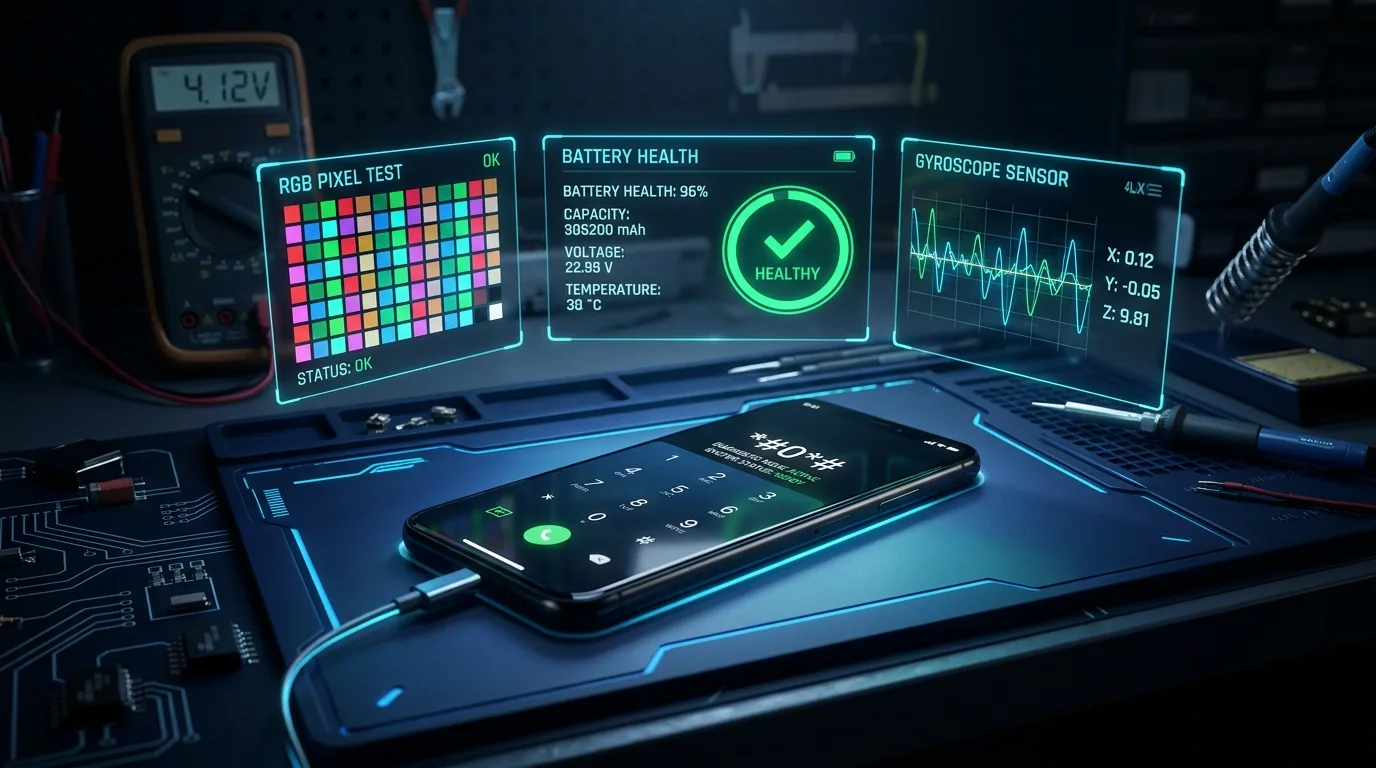
*#0*#
Grade B
Interactive Factory Hardware Test: Screen colors (Red, Green, Blue), Touch grid, Receiver audio, Speaker, Sensors, Sub-keys, Cameras, Vibration. (Some US carrier firmware blocks it).
*#1234#
Grade B
AP / CP / CSC firmware binary inspection. Vital to determine modem version (CP) vs system build (AP).
*#0011#
Grade B • View Only
ServiceMode: Live cellular serving cell, band frequency, RF levels (RSRP/RSRQ), SIM PLMN, and modem status (including IMEI Certi field on supported models).
*#0228#
Grade B
Battery status, raw ADC voltage, temperature readings on supported Galaxy firmware. (Not an independent battery health certificate).
*#9900#
Grade A • Samsung Knox Documented
SysDump diagnostic logging menu. Samsung officially documents its use for generating dumpstate logs. Run log collection only as needed; logs can contain private session data.
*#0808#
Grade B/C • Caution
USBSettings: Configures USB mode (MTP, ADB, DM/CP). It is NOT the standard switch to enable USB Debugging. Inappropriate selection can disrupt PC connectivity.
*#12580*369#
Grade B
Main version info: AP, CP, CSC, RF CAL date and hardware revision.
*#2663#
Grade B/C
Touchscreen firmware information (TSP/TK). Do not trigger firmware updates casually without exact OEM firmware.
Samsung EFS, Modem & IMEI Certificate — Safe Diagnosis
Understanding what a technician can safely verify when encountering "No Service", null IMEI, or radio registration failures.
| Diagnostic Check | Safe Route | Interpretation & Limitation |
|---|---|---|
| IMEI Present? | *#06# / Settings > About | Blank or '0000' IMEI indicates corrupt NV data or baseband failure. Always confirm model and software history before hardware diagnosis. |
| Baseband Visible? | Settings > About > Software > Baseband | 'Unknown' baseband indicates modem failure, PMIC power rail defect, or corrupted CP partition—not proof of EFS damage alone. |
| Modem / Registration | *#0011# ServiceMode | Exposes radio band, signal RSRP, registration rejection cause, and carrier PLMN. |
| IMEI Certificate | *#0011# IMEI Certi field | 'PASS' indicates modem security signature passes internal hash. However, phones with 'Certi: PASS' can still show 'No Service' due to antenna or PTA blocks. |
| KG / FRP Lock State | Download Mode (Odin Mode) | Shows KNOX Guard (KG State: Checking/Prenormal/Completed) and FRP lock status. |
- Record exact SM- model, binary version (e.g. U5/S5), CSC, and software build.
- Verify IMEI presence via
*#06#. Do not disclose complete IMEI numbers publicly. - Inspect Settings > Software Information for Baseband version presence.
- Dial
*#0011#to observe serving cellular band and IMEI Certi status. - Test with a known-good active SIM card in an area with confirmed network coverage.
- Verify IMEI registration on PTA DIRBS portal for legal network authorization in Pakistan.
Xiaomi, Redmi & POCO — Hardware Information & CIT
Xiaomi officially equips MIUI and HyperOS devices with the CIT (Control and Inspection Tool) for comprehensive hardware verification.
*#*#6484#*#*
Grade A • Xiaomi Official
Official CIT Diagnostic Menu. Test touch screen digitizer, display RGB, ear speaker, main speaker, vibration motor, front/rear cameras, fingerprint scanner, and ambient sensors.
*#*#64663#*#*
Grade A • Xiaomi FAQ
Alternate CIT keypad combination on selected Redmi and global models (spells MMI on keypad).
Open Settings > About Phone > Detailed Info and Specs (or All Specs) > Tap Kernel Version 5 times consecutively. CIT opens immediately.
Apple iPhone — Dialer Codes & Limitations
iOS operates on a closed architecture. Apple does not expose generic dialer codes for hardware testing.
*3001#12345#*
Grade B • iOS Field Test
Tap Call button to enter Field Test Mode. Displays serving cell LTE/5G metrics, RSRP signal strength in dBm, frequency band, PCI (Physical Cell ID), and bandwidth.
- Settings > General > About: Serial number, model number, iOS version, carrier lock status.
- Settings > Battery > Battery Health & Charging: Maximum capacity percentage and cycle count (iPhone 15+).
- Parts & Service History: Qualifying models with iOS 15.2+ display genuine part notifications for battery, display, and camera.
- Apple Coverage Portal: Check official warranty by entering the serial number on checkcoverage.apple.com.
Google Pixel — Documented Diagnostics
Google documents official diagnostic utilities for Pixel 3 and newer devices.
*#*#7287#*#*
Grade A • Google Official
Launches the Pixel Repair Diagnostics App (*#*#PAST#*#*). Used for pre/post-repair testing of touchscreen, cameras, sensors, and fingerprint calibration.
OPPO, Realme & OnePlus — ColorOS Family Test Menus
Devices running ColorOS, Realme UI, and modern OxygenOS share related engineering diagnostic menus.
*#899#
Grade B • EngineerMode
EngineerMode / AfterSale Testing: Automatic test, Manual test (Touch, Screen, Camera, Sensor, Audio loopback), Software version, and PCB status.
*#6776#
Grade B
Software Version Details: Exposes baseband version, kernel, OTA version, branch, modem board, and master build tags.
*#808#
Grade C • Legacy
Historical manual hardware test menu; on newer ColorOS/Realme UI updates it is replaced by *#899#.
Vivo & iQOO — Factory / OQC Tests
Verified diagnostic entries for Vivo V, Y, X, T series and iQOO Neo/Z models.
*#558#
Grade B • Vivo OQC
Vivo Factory Test / OQC Mode: Engineering and hardware checks for touchscreen, speakers, cameras, proximity/light sensors, vibration, and development ports.
Huawei & Honor — Project Menu & Smart Diagnosis
Diagnostic tools across EMUI generations and independent Honor MagicOS models.
*#*#2846579#*#*
Grade B • ProjectMenu
ProjectMenu: Background settings, USB port settings, veneer information, network information query, and battery charge status. (View only).
Motorola, Sony Xperia & ASUS ROG / Zenfone
Diagnostic routes for Motorola Device Help, Sony Service Menu, and ASUS Calculator SMMI testing.
Open the official ASUS Calculator app, type the string, and press = (equals):
.12345+=Zenfone Series SMMI Test.123456+=Zenfone 10 AI2302 Service Manual*#*#7378423#*#*
Grade A • Sony Developer
Sony Service Menu (*#*#SERVICE#*#*): Service info > Configuration > Rooting Status (checks bootloader unlock allowance) and hardware sensor tests.
Remaining Major Brands — Validated Entries & Limits
Honest evidence breakdown for brands where unverified internet claims circulate.
| Brand / Family | Reliable Public Entry | Why No Universal Code is Claimed |
|---|---|---|
| Infinix / TECNO / itel | *#06# / Carlcare App | HiOS, XOS and itel OS run varied MTK/Unisoc platforms with tight permission policies; no universal factory dial code is officially guaranteed across updates. |
| Nothing Phone / CMF | *#06# / Settings > About | Nothing OS does not publish a universal public engineering dial code for all Phone (1)/(2) or CMF variants. |
| HMD / Nokia Android | *#06# / My Device App | Historical Nokia feature-phone codes (such as *#0000#) do not transfer to HMD Android architecture. |
| ZTE / RedMagic | *#06# / Settings | Custom gaming overlays and global regional firmware restrict general diagnostic activities. |
Why a Secret Code Sometimes Does Nothing
Common reasons dialer codes fail and how technicians should safely proceed.
| Observed Symptom | Technical Explanation | Recommended Next Step |
|---|---|---|
| Dialer clears after last # with no screen | Diagnostic activity removed in recent Android update, or third-party dialer filters OEM broadcast intents. | Switch to the manufacturer's default stock Phone app or use browser diagnostics (Phone Test Kit). |
| "Invalid MMI Code" or "Connection Problem" | The dialer sent the code to the telecom tower as a network USSD command instead of handling it locally. | Confirm whether the code is for your specific phone manufacturer and model. |
| Carrier-Locked Variant Rejects Code | US/Japanese carriers (Verizon, AT&T, Docomo) frequently disable *#0*# and *#0011# in firmware. | Use Samsung Members diagnostic app or external test procedures. |
USB Debugging, ADB & Fastboot — Safe Read-Only Reference
Non-destructive terminal commands for reading device hardware properties without risking data loss.
Used Smartphone Buyer Checklist (Pakistan)
Essential steps before purchasing a second-hand mobile device in local markets.
- Dial
*#06#and match physical box barcode and back glass label. - Verify dual SIM models display both IMEI1 and IMEI2.
- Inspect screen edges under bright light for refurbished glass lift or glue residue.
- Run the Phone Test Kit for dead pixels and touch lines.
- Check both IMEIs on dirbs.pta.gov.pk or DVS app (Compliant / Non-Compliant).
- Ensure the seller signs out of Google Account (FRP) and Samsung Account / iCloud.
- Perform a normal Factory Reset in Settings in front of the seller before payment.
- Test physical calling, mobile data, speaker, mic, and fast charging.
Frequently Asked Questions
Are these secret diagnostic codes legal to use? ▼
Yes. Read-only identification and diagnostics on devices you own or are authorized to service are entirely legitimate. Avoid identity modification, security bypassing, and privacy violations.
Why doesn't TF Tech Solutions publish lists of 200–500 Samsung codes? ▼
Popular lists mix destructive reset shortcuts, legacy 2G/3G tests, carrier MMI commands, and unverified strings. More entries would be less accurate. Our list concentrates strictly on verified technician functions.
Does *#06# prove that a phone is genuine? ▼
No. It only displays an identifier returned by the handset modem. Check manufacturer warranty portals, operating performance, and PTA DIRBS authorization.
Does a factory test menu fix hardware? ▼
No. Testing can identify symptoms; correct repairs require component replacement, micro-soldering, and authorized servicing.
Evidence Sources & Urdu Guidance
مختصر اردو رہنمائی (Technicians & Users in Pakistan)
یہ ہینڈبک موبائل فون کے معلوماتی اور تشخیصی کوڈز کے لیے تیار کیا گیا ہے۔ ہر کوڈ ہر ماڈل پر کام نہیں کرتا۔ سب سے پہلے فون کا درست ماڈل، سافٹ ویئر ورژن اور ریجن چیک کریں۔ Samsung کے EFS یا IMEI Certificate کی حالت صرف ایک کوڈ سے حتمی ثابت نہیں ہوتی۔ USB Debugging صرف مجاز کام کے لیے Developer Options میں فعال کریں۔ ایسی غیر محفوظ سیٹنگز تبدیل نہ کریں جن سے فون کا ڈیٹا یا شناخت متاثر ہو۔
Publication Notice: TF Tech Solutions publishes this reference for educational, identification, and owner-authorized troubleshooting. Content is evidence-reviewed as of 15 October 2026 across official Samsung Knox, Xiaomi FAQ, Apple Support, Google Pixel Diagnostics, Sony Developer World, and ASUS Service Documentation.
Explore More Technical Resources from TF Tech Solutions
Free Phone Test Kit
Direct client-side browser test for display, touch screen, mic, speakers, and camera preview.
📘Mobile Software Guide (62 Topics)
Low-level device modes, EDL, BROM, Fastboot, UFS storage forensics, and GSM tool architecture.
🛠️Professional Repair Services
Precision hardware repair, display glass refurbishing, audio IC micro-soldering, and software recovery.